
A WordPress chat widget that looks like your site
Your color, your words, your side of the screen. Try it below: these are the same choices you make in the plugin’s Appearance settings.
Widget studio
A live preview. Nothing here is saved.
Inside the widget
Small touches visitors notice
Suggested questions
Show your most useful questions as buttons, so first-time visitors know what to ask.
Your words throughout
Name, welcome message, message-box hint, a note under the box and an optional AI notice.
Read aloud
Visitors can have any answer read to them.
Copy answer
One click to copy an answer to paste elsewhere.
Stop and reset
Stop a long answer, or clear the chat and start over.
Sized to fit
Chat button from 44 to 72 px (a little smaller on phones), an optional white ring for dark backgrounds, window width from 320 to 600 px, and corners from square to fully rounded.
Built for everyone
Keyboard friendly, with answers announced to screen readers.
Speaks as
“We” for your business, or “they” as a guide
Choose how the chatbot refers to the organization behind your site. The facts still come only from your pages.
We, our
They, their
Shortcodes
Floating button everywhere, or a chat right inside a page
By default the chat button sits on every page. Prefer it in one place? Use a shortcode. Both work even when the site-wide button is switched off.
Shortcode guide[gochatterbot]
[gochatterbot embed]
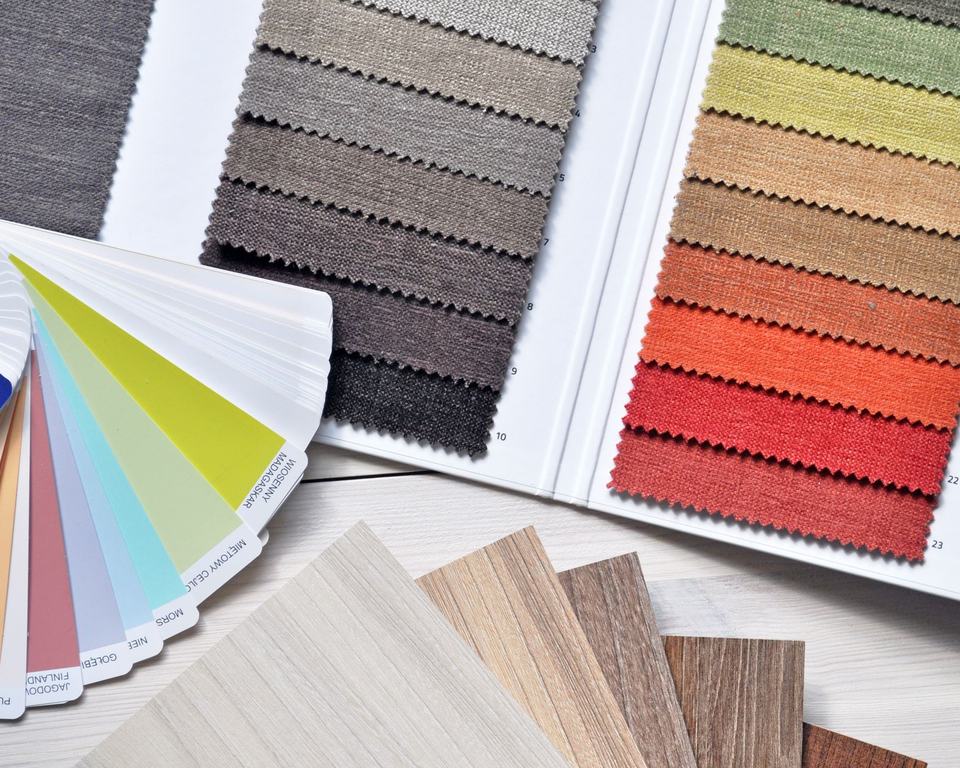
Your colors
Pick the color your visitors already know
Set one accent color and the chat button, header and visitor messages follow it. Text on the color switches between white and black automatically, so it stays readable whatever shade you choose.
Frequently asked questions
Will the chat widget match my WordPress theme?
You set the accent color, the side of the screen, the button size, the window width, the corner rounding and a light, dark or automatic color scheme. Text on your accent color switches between white and black automatically so it stays readable.
Can I show the chat on only some pages?
Yes. Turn off Show the chat button on every page and add [gochatterbot] to the pages that should have it, or [gochatterbot embed] to place the chat window inside a page.
Can I change what the chatbot is called and how it greets people?
Yes: the name at the top of the window, the welcome message, the hint in the message box, suggested questions shown as buttons, a note under the message box and an optional AI notice.
Is the widget accessible?
It works with a keyboard, announces new answers to screen readers, labels its buttons, and on small screens keeps focus inside the open chat. Answers can also be read aloud.
Does a visitor lose the conversation when they change page?
No. The conversation carries on as they move around your site in the same browser tab, and they can clear it with the reset button.
More WordPress AI chatbot features
All features- AI Content SearchFinds answers in your pages, posts and custom fields
- Grounded AnswersAnswers only from your site, never made up elsewhere
- Source CitationsEvery answer links back to the page it came from
- Document & PDF SearchReads the text inside PDFs in your Media Library
- WordPress PluginInstall, paste your key and go live in minutes
- Chatbot AnalyticsSee what visitors ask and what your site is missing
- Conversations & PrivacyTranscripts, ratings, export, retention and access
Make the chat yours
Pick your colors and words, and GoChatterBot fits right into your WordPress theme.
Free plan: 1 website and 100 chatbot replies a month.